
How to Report a Google Review
To report a Google review, you flag it from your Business Profile and choose the reason it breaks Google's policies. Google then checks the review against those policies and decides. The report only works if the review really fits the reason you pick.
You pay only if the review is removed.
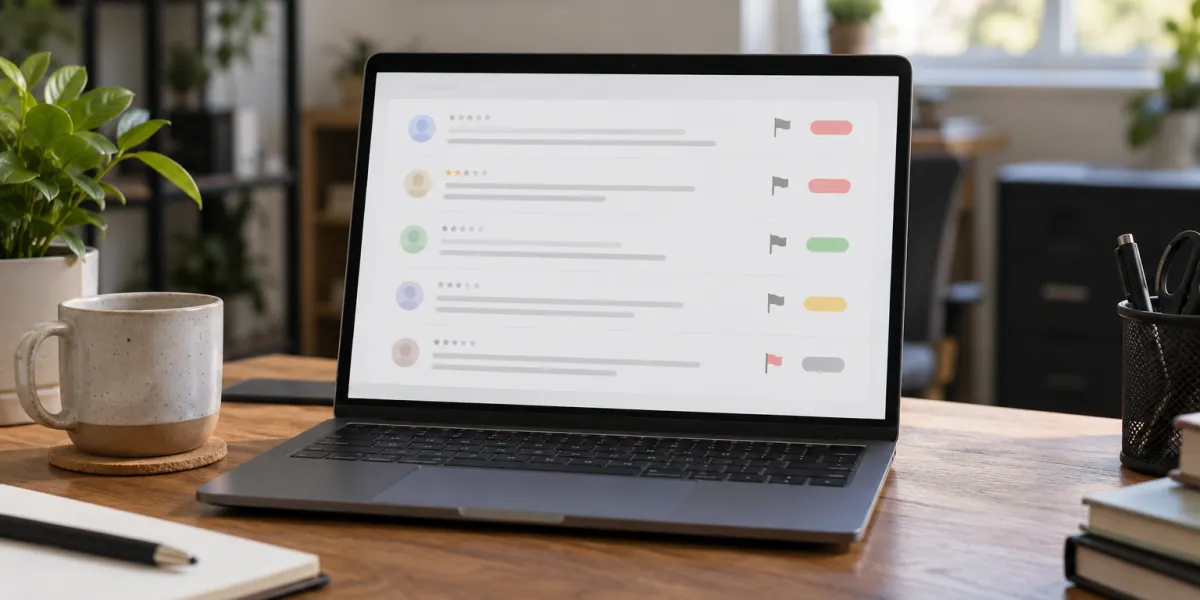
Flag the review from your Business Profile
These are the steps in Google's help article on reporting reviews:
Go to your Business Profile
Sign in with the account that manages the profile.
Select Read reviews
Find the review you want to flag in the list.
Select Report next to the review
A short form opens with the reasons Google accepts.
Choose the reason and send the report
Pick the one that matches what the review actually says or who wrote it, then select Send report.
Or report it in the Reviews Management Tool
Google's Reviews Management Tool does the same job and keeps every request in one place. Confirm your account, select the business, choose Report a new review for removal, then select Report next to the review, pick the reason and submit.
The same tool shows the status of each report later, which matters if you need to appeal.
Pick the policy reason that fits
Google's content policy is the yardstick. Match what you see in the review to the rule it breaks:
- Never a customer, or a review of a different business: fake engagement (Remove Fake Google Reviews).
- A competitor or a family member: conflict of interest (Fake Google Review From a Competitor).
- A current or former employee: also conflict of interest (Ex-Employee Left a Bad Google Review).
- Politics, social commentary or a rant unrelated to your location: off-topic.
- Threats, slurs or insults aimed at you or your staff: harassment or hate speech (Google Review Harassment).
- A staff member's phone number, address or health details: personal information (reviews that expose personal information).
- Accusations of a crime with nothing to back them up: offensive content.
- A demand for money to stop the reviews: Google Review Extortion.
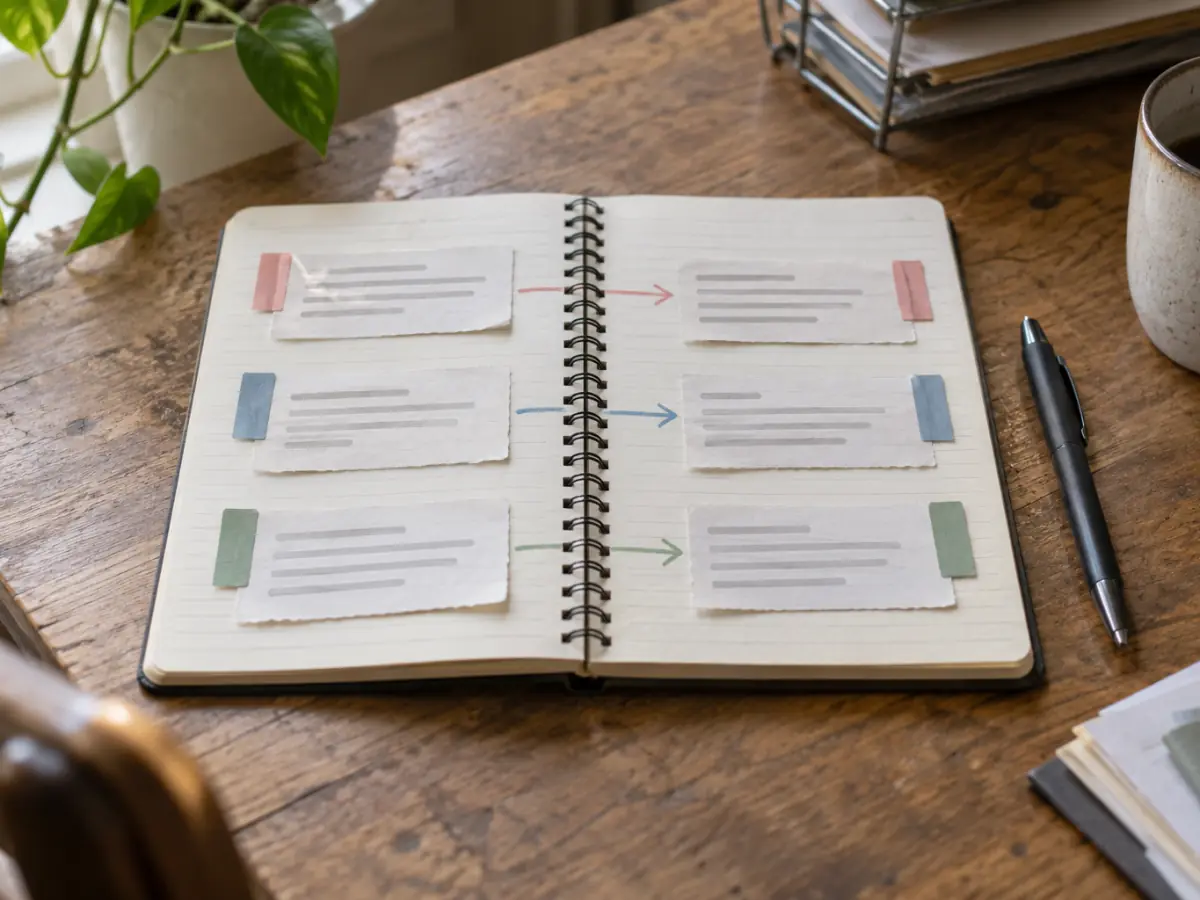
How to report a fake Google review
The steps are the same; the work is in the preparation. Check your records for the reviewer's name, the date and the service described, and keep notes on what does not match.
Google judges the review itself, not your customer list, so the report should point to the rule: no real experience at your location, or a conflict of interest. When several fake reviews arrive in a short time, treat them as one case; Google Review Bombing: Stop and Report a Wave of Fake Reviews explains how.
How to dispute a Google review decision
After you report, the status in the Reviews Management Tool reads Decision pending, Report reviewed with no policy violation, or Escalated with updates by email. Google's help center says evaluation typically takes several days.
If Google finds no violation, you can file a one-time appeal from the same tool. Before you do, read Google Won't Remove a Fake Review? What to Do Next, because that appeal is worth preparing well.
Will the reviewer know you reported it?
Google's help pages for business owners do not say that the reviewer is told about a report or who sent it. What they describe is Google checking the review against its content policy.
If Google removes the review, the author can see that status in their Google Maps profile and, for most violations, appeal the removal once. So assume they may notice it is gone, and keep any public reply calm.
How we handle every review
You pay only if the review is removed
If the review stays up, you owe nothing for that review.
The platform makes the final call
Google and every other platform decide what comes down under their own rules. We prepare the strongest request those rules allow, and no one can promise a removal.
Legitimate routes only
Policy reports, appeals, legal requests when a review may be unlawful, and a public response when a review has to stay. No fake accounts, no mass flagging and no fake reviews.
Questions about flagging reviews
Does reporting a review many times help?
Google checks the review against its policies, so what matters is the reason you choose and whether the review fits it. We never use mass flagging.
Can I flag a Google review that is unfair but real?
Google's help center asks owners not to report a review only because they disagree with it. For a real but unfair review, a calm public reply is usually the better tool.
If I report a Google review, will they know?
Google's help pages for owners do not say the reviewer is told about a report or who sent it. If Google removes the review, the author can see its status in their Google Maps profile and may be able to appeal.
Check the reason before you report
Send us the link and we tell you, for free, which policy the review may break and whether a report has a real basis.
Request your free review audit
Send us the review and we reply by email with the audit: whether it breaks the platform's rules, which rule, and the route that fits. No cost to ask.