
How to Remove a Google Review
How to remove a Google review starts with one fact: business owners can't delete reviews themselves. Google takes a review down only when it breaks Google's content policies, so the job is to show that it does. Here are the real steps in your Business Profile, what Google looks for, and what happens after you report.
You pay only if the review is removed.
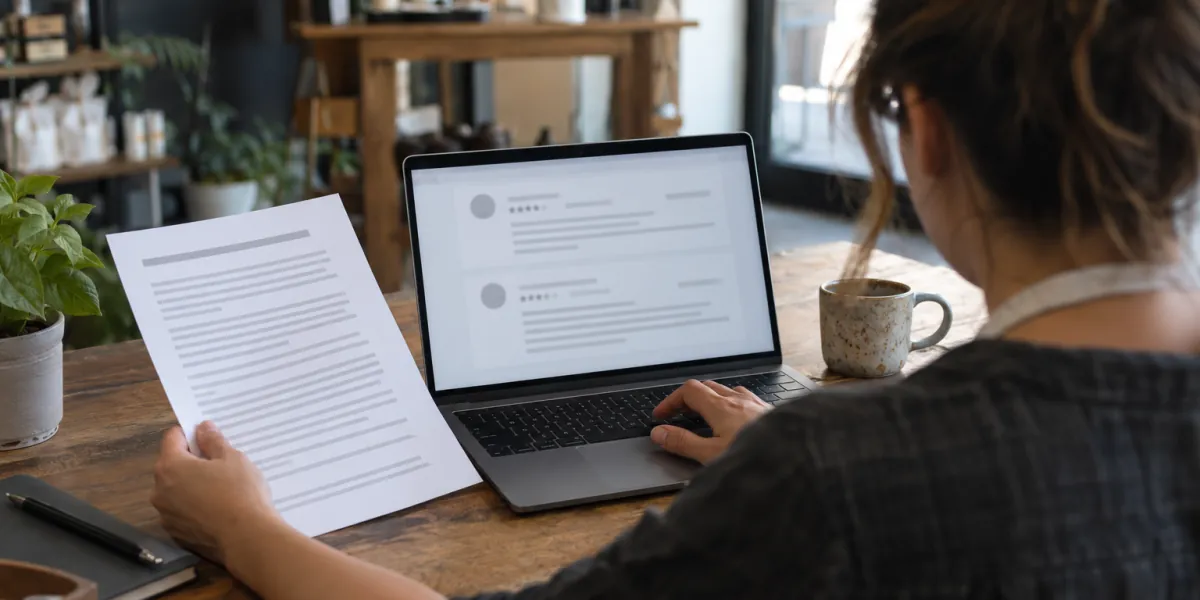
Step 1: check the review against Google's policies
Google's help center is direct about it: only reviews that violate Google policies are eligible for removal, and you should not report a review just because you disagree with it. A one-star rating from a real customer, however unfair it feels, is not a violation on its own.
Read the review next to Google's prohibited and restricted content policy. These are the categories business owners run into most:
- Fake engagement: content that is not based on a real experience at your business.
- Conflict of interest: reviews from current or former employees, competitors or others with a personal or professional stake.
- Off-topic: general, political or social commentary, or personal rants unrelated to your location.
- Harassment, hate speech, profanity and personal information about you or your staff.
- Unsubstantiated allegations of unethical behavior or criminal wrongdoing.
Step 2: report it from your Business Profile
Open your Business Profile, select Read reviews, choose Report next to the review and pick the reason that fits. Google also lets you report from its Reviews Management Tool, which is where you later track the request.
The reason you select is the core of the request. Our guide on How to Report a Google Review walks through each screen and matches common review types to the policy reason that fits them.
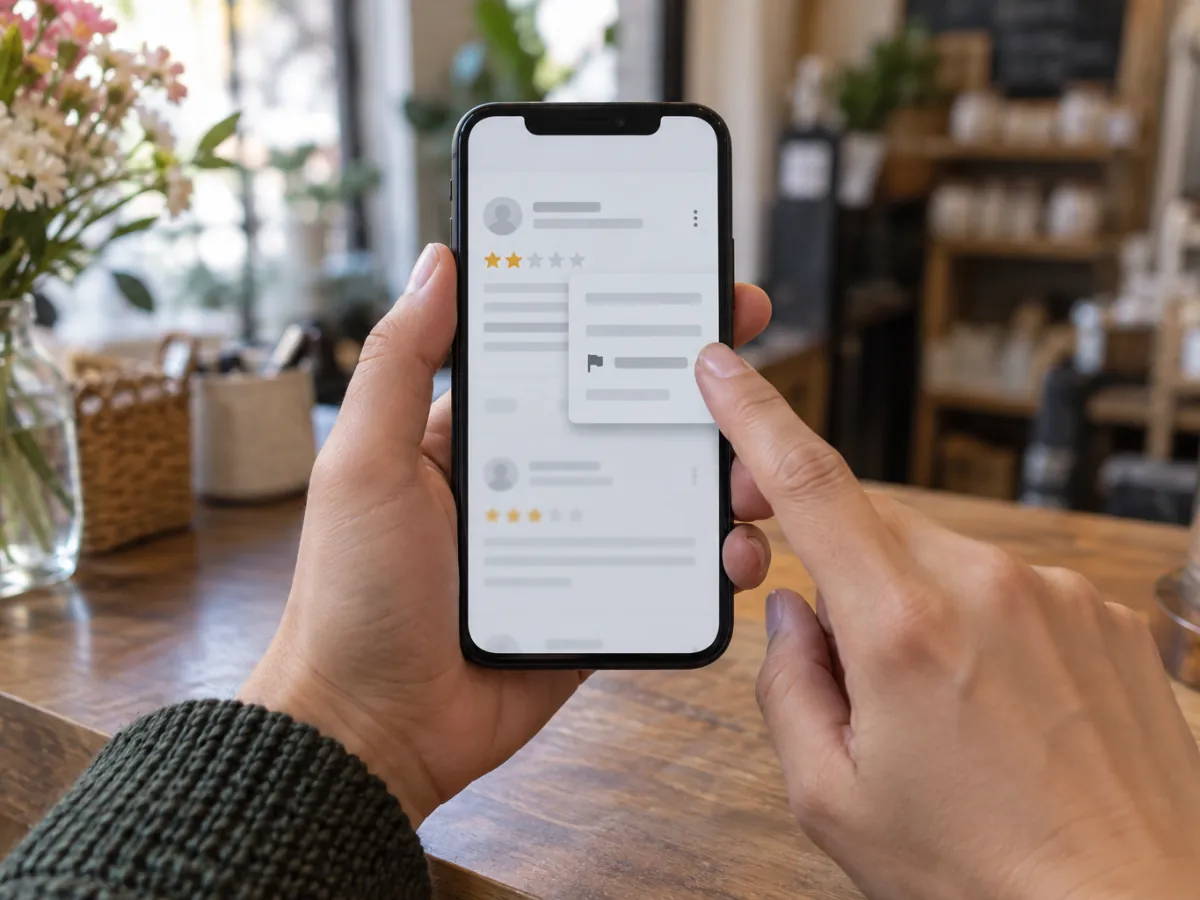
Step 3: track the request and appeal once
Check the status
In the Reviews Management Tool, each report shows a status such as Decision pending, Report reviewed with no policy violation, or Escalated with updates sent by email.
Give Google time to evaluate
Google's help center says review evaluation typically takes several days.
Use the appeal if the answer is no
If Google finds no violation, its help center describes a one-time appeal for up to 10 eligible reviews, filed from the same tool. You get the result by email.
When the appeal fails too, read Google Won't Remove a Fake Review? What to Do Next before you decide what to do.
Why a request can come back with no violation
Google compares the review with its policies, not with your side of the story. A report that says a review is unfair, rude or wrong about your prices gives Google nothing it can act on.
What changes the outcome is matching the review to the right policy and being able to show why. That takes a close read of the wording, the reviewer's history with your business, and how the policy is written.
When it makes sense to ask for help
How do you remove a Google review on your own? With the three steps above. A second look helps when a review is harmful, the policy fit is not obvious, or the first report came back with no violation.
That is what our free review audit is for. We read the review against Google's policies, tell you whether a report has a real basis, and if you hire us, you pay only if the review is removed. See how it works on Remove Google Reviews That Break Google's Policies, or, for one-star reviews that cross the line, Remove Negative Google Reviews.
How we handle every review
You pay only if the review is removed
If the review stays up, you owe nothing for that review.
The platform makes the final call
Google and every other platform decide what comes down under their own rules. We prepare the strongest request those rules allow, and no one can promise a removal.
Legitimate routes only
Policy reports, appeals, legal requests when a review may be unlawful, and a public response when a review has to stay. No fake accounts, no mass flagging and no fake reviews.
Questions about taking a review down
Can a business owner delete a Google review?
No. Owners can report a review, reply to it and appeal a decision, but only Google can take a review down, and only when it breaks Google's policies.
Which reviews does Google remove?
Reviews that violate its content policies, such as fake engagement, conflict of interest, off-topic content, harassment, hate speech or personal information. A harsh but genuine opinion about a real experience usually stays up.
What if Google says the review has no policy violation?
Google's help center describes a one-time appeal from the Reviews Management Tool. Prepare it carefully, because it is your second and usually last chance through that route.
Not sure the review breaks a policy?
Send us the link and we tell you, for free, whether a report has a real basis and which route fits.
Request your free review audit
Send us the review and we reply by email with the audit: whether it breaks the platform's rules, which rule, and the route that fits. No cost to ask.