
Facebook Review Removal
Remove Facebook reviews from your business Page when they break Facebook's Community Standards. Reviews on Facebook are called recommendations, and a Page owner can report them but can't delete them. We help you decide which ones are worth reporting and how to report them well.
You pay only if the review is removed. Your price is confirmed in writing before any work starts.
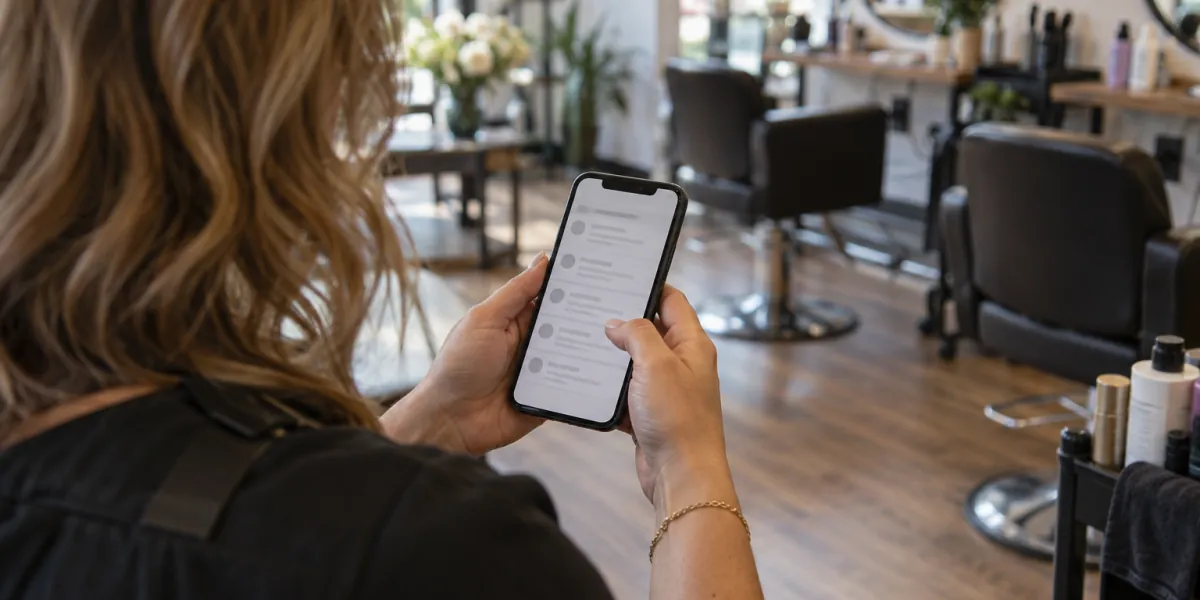
Recommendations follow the Community Standards
Facebook has no separate rulebook for reviews. Recommendations are checked against the same Community Standards as any other post, and they are expected to be about your business.
- Harassment or bullying aimed at you or your staff.
- Hate speech or threats.
- Spam and content from fake accounts.
- Private information, such as a staff member's phone number or home address.
- Content that isn't about your products or services.
Turning off recommendations is a trade-off
Page owners can turn recommendations off, which hides every review on the Page, good and bad.
It stops a bad review from showing, but it also hides the reviews that help you. Reporting the ones that break the rules is usually the better first step.
How to remove Facebook reviews that break the rules
Save the evidence
Screenshots of the recommendation, the profile and any messages, with dates.
Report the right reason
Report it from the Page under the reason that matches the content. A reason that fits is easier for a moderator to act on.
Follow the outcome
Timing depends on each platform's own review process; we tell you what to expect in your audit. If Meta keeps it, a short public reply is the next step.
Look for a pattern
Several recommendations from new or unrelated profiles in a short window can point to a coordinated attack, worth documenting as one case.
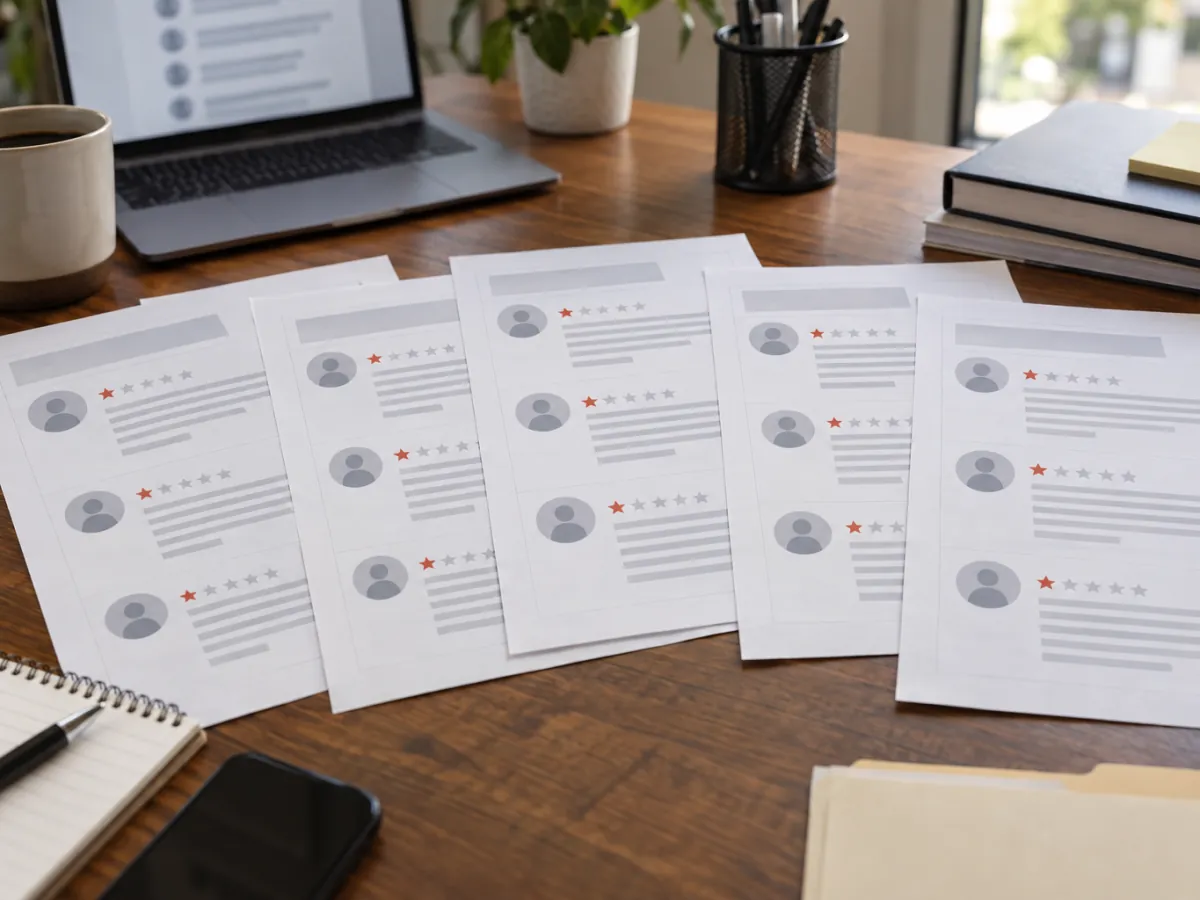
What Facebook won't take down
A real customer who had a bad experience and says so, even bluntly, is within the Community Standards. Reporting that review again and again doesn't change the outcome.
We tell you in the audit when a review falls into this group, so you don't spend time on a request that won't hold up.
If the same wave of reviews also hits your Google profile, see Google Review Bombing: Stop and Report a Wave of Fake Reviews.
How we handle every review
You pay only if the review is removed
If the review stays up, you owe nothing for that review.
The platform makes the final call
Google and every other platform decide what comes down under their own rules. We prepare the strongest request those rules allow, and no one can promise a removal.
Legitimate routes only
Policy reports, appeals, legal requests when a review may be unlawful, and a public response when a review has to stay. No fake accounts, no mass flagging and no fake reviews.
Price for a Facebook review request
Your price is confirmed in writing before any work starts
The written quote lists what is included and what is not.
You pay only if the review is removed.
Questions about Facebook recommendations
Can I delete a recommendation from my Facebook Page?
No. A Page owner can report a recommendation to Meta, reply to it, or turn recommendations off for the whole Page.
Does a negative recommendation break the rules?
Not by itself. It has to break the Community Standards, for example through harassment, hate speech, spam or private information.
Do I pay anything if Meta keeps the review?
No. You pay only if the review is removed.
Send us the recommendation
Share the link to your Page and the review, and we tell you whether it breaks the Community Standards.
Request your free review audit
Send us the review and we reply by email with the audit: whether it breaks the platform's rules, which rule, and the route that fits. No cost to ask.